Jun 26, 2026
Unlock Voice Control for X96Q & X96Q Pro
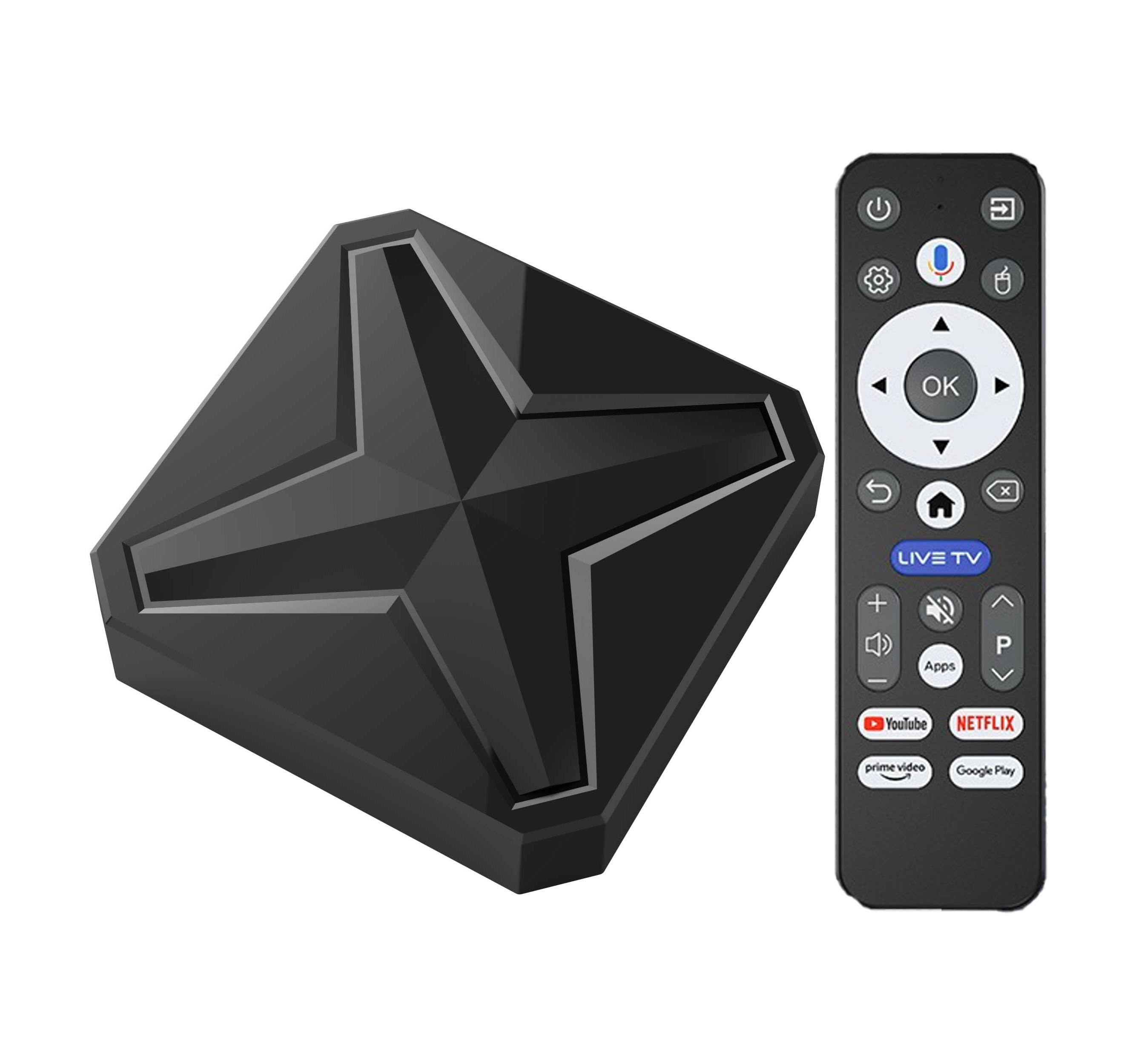
If you own the X96Q or X96Q Pro—two of Saudi Arabia’s best-selling Android TV boxes—you may have noticed a key limitation: they come with standard IR remotes, NO built-in voice control.
Why X96Q/X96Q Pro Are Top Sellers in Saudi Arabia
First, let’s recap why these two boxes dominate the Saudi market:
- X96Q: Android 10, 1GB RAM + 8GB storage, Allwinner H313 chip, 4K Ultra HD support, affordable price—ideal for budget streaming.
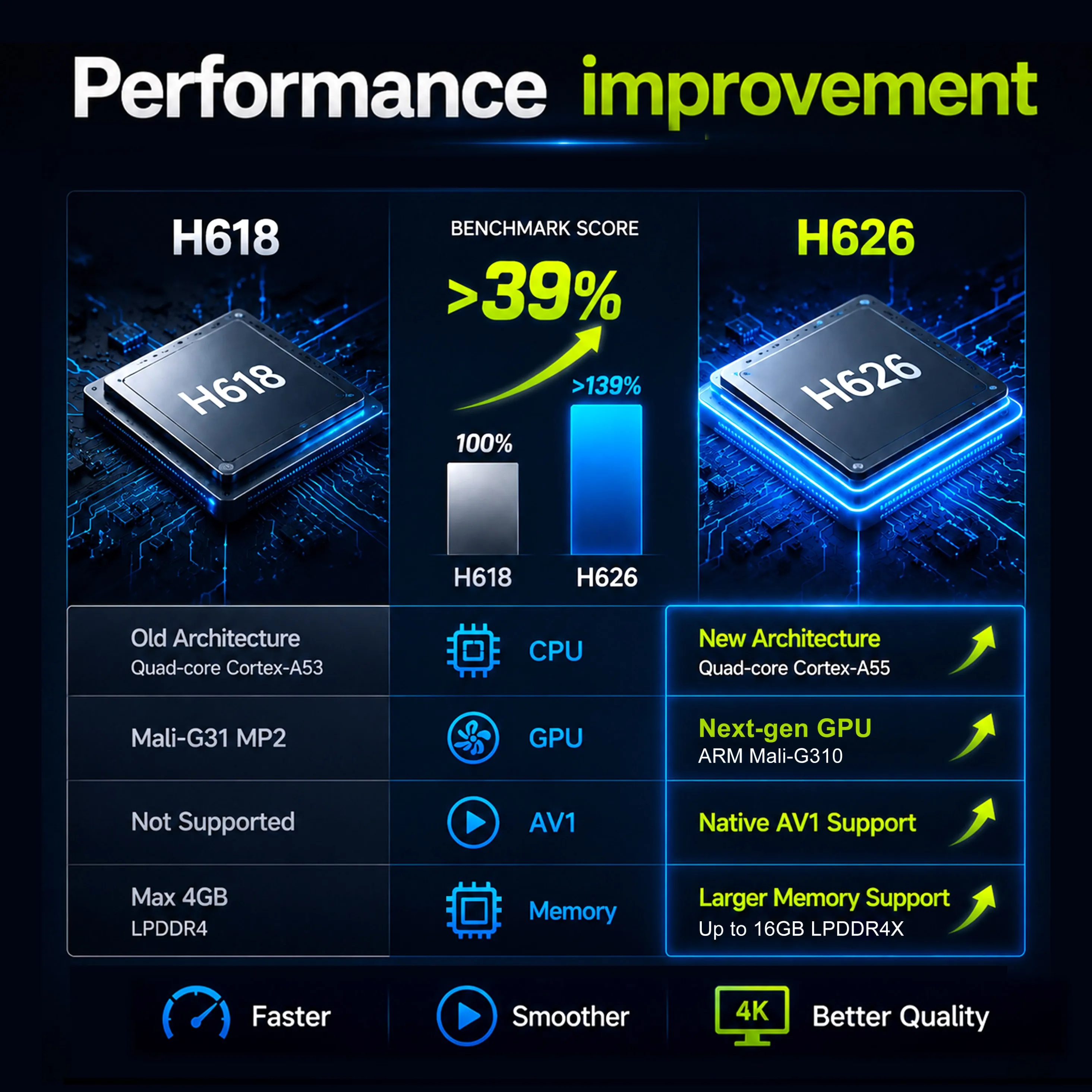
- X96Q Pro: Upgraded specs (faster processor, better Wi-Fi), same compact design, reliable 4K playback, and wide app compatibility (Netflix, YouTube, Shahid, etc.).
Both are widely available in Saudi Arabia, work with local streaming apps, and fit most home setups. But their stock IR remotes lack voice microphones, meaning you have to type every search manually—frustrating for Arabic or English queries.
Why Add Voice Control to Your X96Q/X96Q Pro?
Voice control transforms how you use your TV box, especially for Saudi users:
- Faster searches: Speak movie/TV show names (Arabic or English) instead of typing—no more tedious on-screen keyboards.
- Hands-free convenience: Launch apps (Shahid, Netflix, YouTube), adjust volume, or check the weather without lifting a finger.
- Smart home integration: Control compatible lights, thermostats, and devices via voice (Google Assistant support).
- Perfect for Arabic users: Voice recognition works seamlessly with Arabic, making it easy to find local content.
Top 2 Voice Remotes for X96Q/X96Q Pro (Saudi Arabia)
1. G10S Voice Remote: The Premium All-Rounder
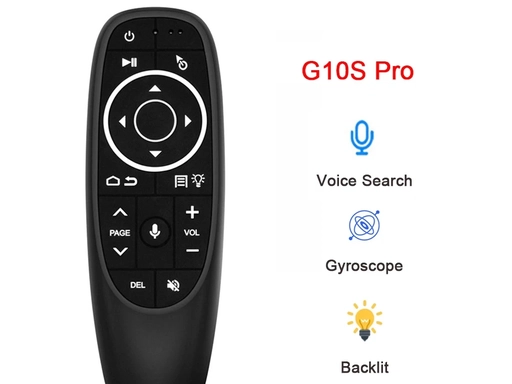
The G10S is the most popular voice remote for Android TV boxes in Saudi Arabia—and for good reason. It’s a 2.4G wireless remote with built-in voice microphone, air mouse, IR learning, and backlit keys.


Key Features for X96Q/X96Q Pro:
- Voice control: One-click voice search (Google Assistant compatible) for Arabic/English queries.
- Air mouse: Gyroscope sensor lets you point-and-click like a computer mouse—great for scrolling apps.
- IR learning: Program it to control your TV’s power/volume—one remote for all devices.
- 2.4G wireless: No line-of-sight needed; works up to 10 meters.
- Backlit keys: Easy to use in dark rooms (perfect for movie nights).
Why Saudi Users Love It:
- Plug-and-play pairing with X96Q/X96Q Pro (no extra apps needed).
- Compact, ergonomic design—comfortable for long use
2. MX3 2.4G Air Mouse Remote: The Budget-Friendly Pick
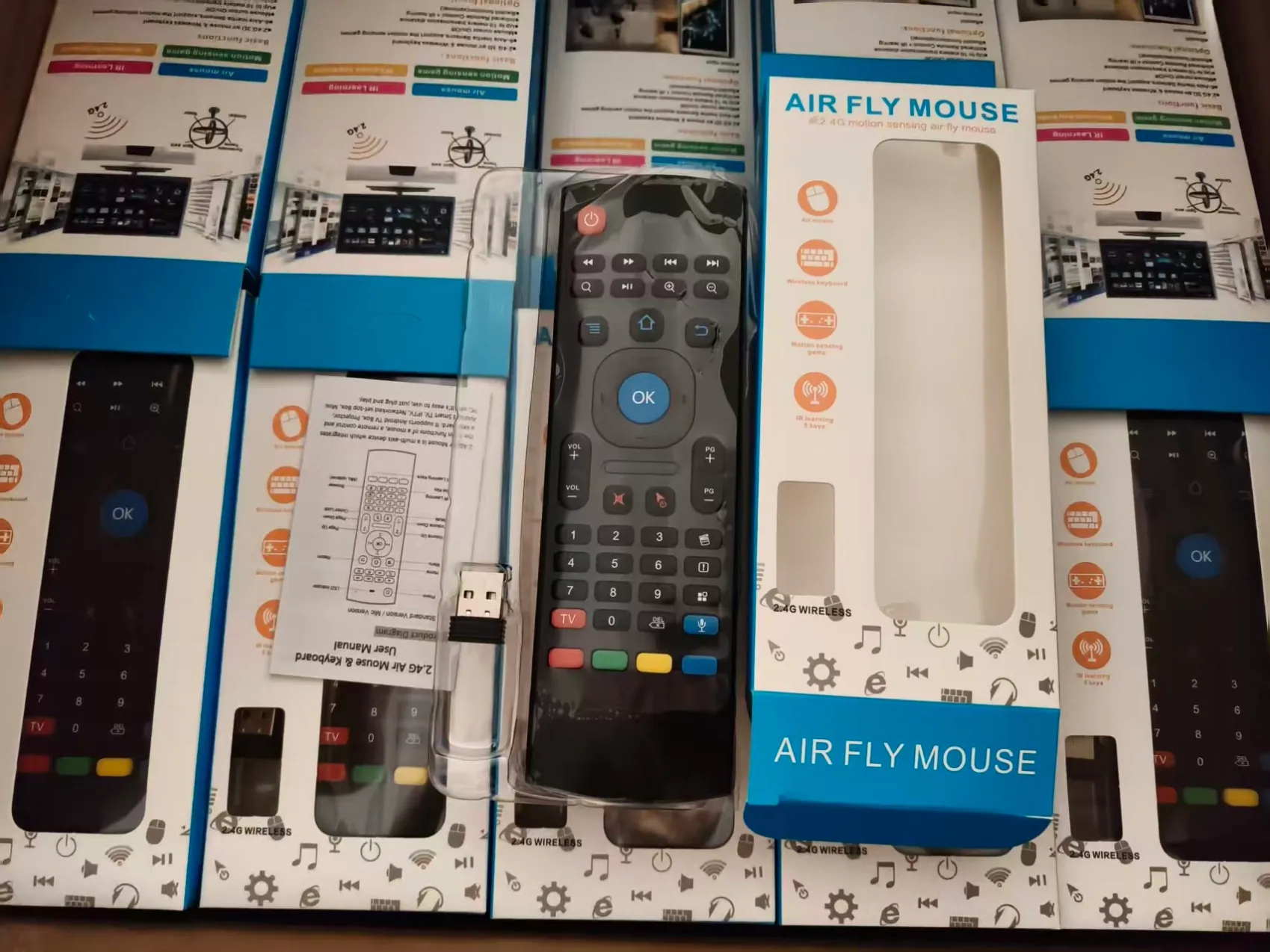
The MX3 is a best-selling budget voice remote, ideal for Saudi users who want voice control without overspending. It’s a 2.4G wireless remote with voice mic, air mouse, mini keyboard, and backlight.
MX3 2.4G Air Mouse RemoteKey Features for X96Q/X96Q Pro:
- Voice control: Built-in microphone for Google Assistant voice searches (Arabic supported).
- Air mouse: 3-axis gyroscope for smooth cursor control—easy to navigate apps.
- Mini keyboard: Full QWERTY backlit keyboard on the back—great for typing long queries.
- 2.4G RF: Strong, stable connection up to 10 meters; no IR line-of-sight issues.
- Low power: Runs on 2 AAA batteries (lasts months with regular use).
Why Saudi Users Love It:
- Ultra-affordable (SAR 30–50)—best value for money.
- Lightweight and durable—perfect for families with kids.
- Wide compatibility: Works with X96Q/X96Q Pro and all Android TV boxes.
How to Pair G10S/MX3 with X96Q/X96Q Pro (Easy Steps)
Pairing both remotes is quick and simple—no technical skills needed:
- Turn on your X96Q/X96Q Pro and ensure it’s connected to Wi-Fi.
- Insert batteries into your G10S or MX3 remote.
- Pair the remote:G10S: Press and hold the Voice button for 3 seconds until the LED flashes—auto-pairs with the box.MX3: Press and hold the Pair button (back of remote) for 5 seconds—LED flashes to confirm pairing.
- Enable voice control: Go to Settings > Google > Voice on your box and grant microphone access.
- Start using voice: Press the mic button on the remote and speak your query (e.g., “Play Shahid VIP” or “What’s the weather in Riyadh?”).
Final Verdict: Which Remote Should You Choose?
- Choose G10S if you want premium features (IR learning, backlit keys, sleek design) and a seamless, high-performance experience—best for most Saudi households.
- Choose MX3 if you’re on a budget and want reliable voice control plus a mini keyboard—perfect for casual users or families.
Both remotes are 100% compatible with X96Q/X96Q Pro, widely available in Saudi Arabia, and will instantly add voice control to your box. Don’t let the stock remote’s limitations slow you down—upgrade today and enjoy faster, hands-free streaming!